Global Parameters
Global parameters are project-wide values that any script or UI form can read and write. This instrument uses them both as UI-facing controls (volume, filter, send amounts) and as the shared data channel between the RT sequencer and the UI. This chapter sets up the initial sequencer parameters. The remaining global controls will be added in later chapters as the UI is built.
Open the Global Parameters Tab
Section titled “Open the Global Parameters Tab”Open Patch Settings from the editor.
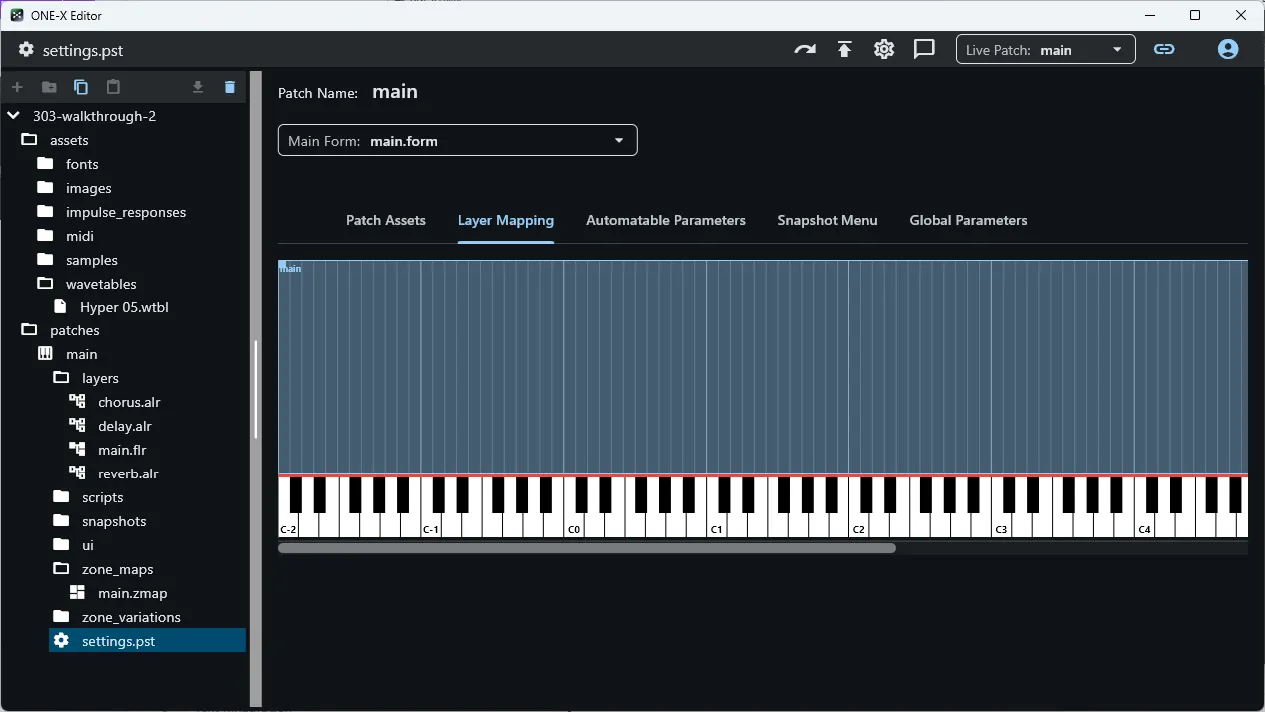
Switch to the Global Parameters tab.
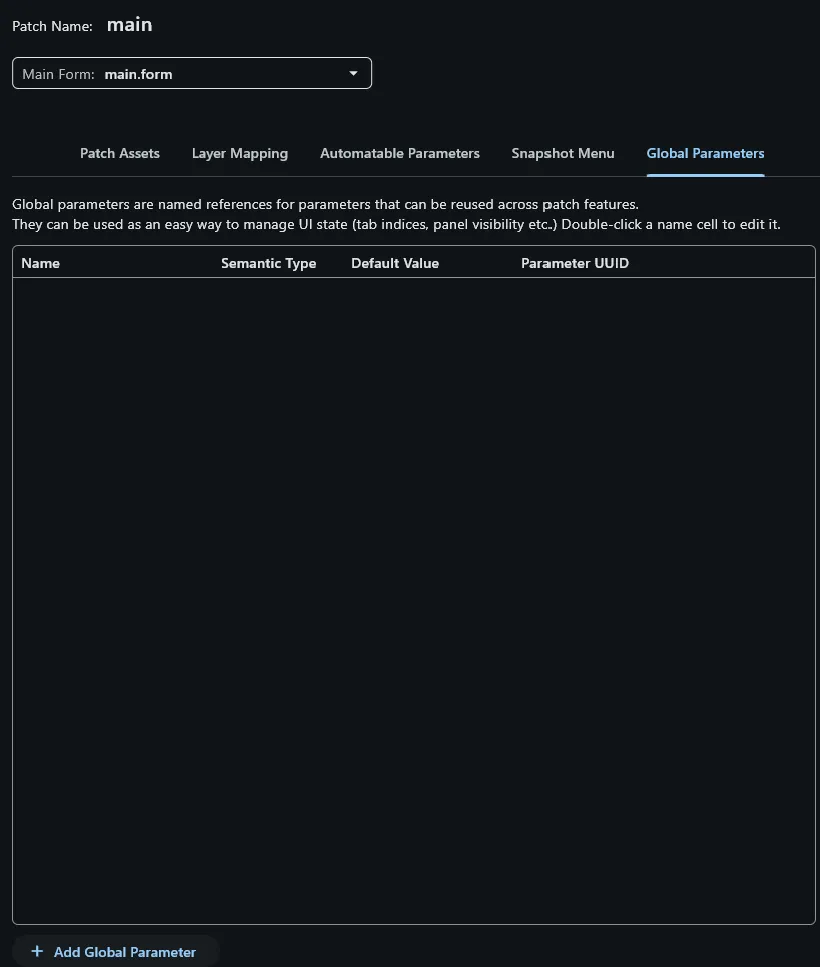
Add the Sequencer Parameters
Section titled “Add the Sequencer Parameters”Add the following three parameters. Create each one with the + button, then double-click its name in the list to rename it inline.
| Parameter | Semantic type |
|---|---|
stepPlaying | Generic Int |
stepSelected | Generic Int |
stepData | LUA Data |
stepPlaying defaults to 0 — no change needed. stepSelected must be set to
1: step indices follow Lua’s 1-based convention throughout, so the initially
selected step is step 1, not step 0.
What each parameter does:
stepPlaying— written by the RT sequencer on every step; the UI reads it to move the running playhead indicator to the correct step.stepSelected— UI-only; tracks which step the user currently has selected for editing. The RT script ignores this.stepData— the shared data channel between RT and UI. It holds a Lua table with one entry per step — note, velocity, filter, filter envelope, and wavetable position. The RT sequencer reads it to determine what to play; the UI reads and writes it as the user edits steps.
Set the stepData Default Value
Section titled “Set the stepData Default Value”Rather than writing out all 16 steps as a flat table by hand, the default value uses an immediately-invoked function to generate the entries in a loop. The expression is evaluated once when the parameter is first created, so the stored default is the same flat 16-entry table — the generator is just a more compact and readable way to express it.
Enter the following as stepData’s default value:
(function()  local data = {}
  for i = 1, 16 do    data[i] = {      note = i % 2 == 1 and 36 or -1,      velocity = 0.8,      filter = 0.2,      tune = 0.5,      wtPos = 0.5,    }  end
  return dataend)()
The alternating note expression (i % 2 == 1 and 36 or -1) seeds odd-
numbered steps with MIDI note 36 (C2) and silences even-numbered steps, giving a
basic on/off pattern to work with right away.
Outline
Section titled “Outline”- Global controls: volume, filter, delay amount, reverb amount